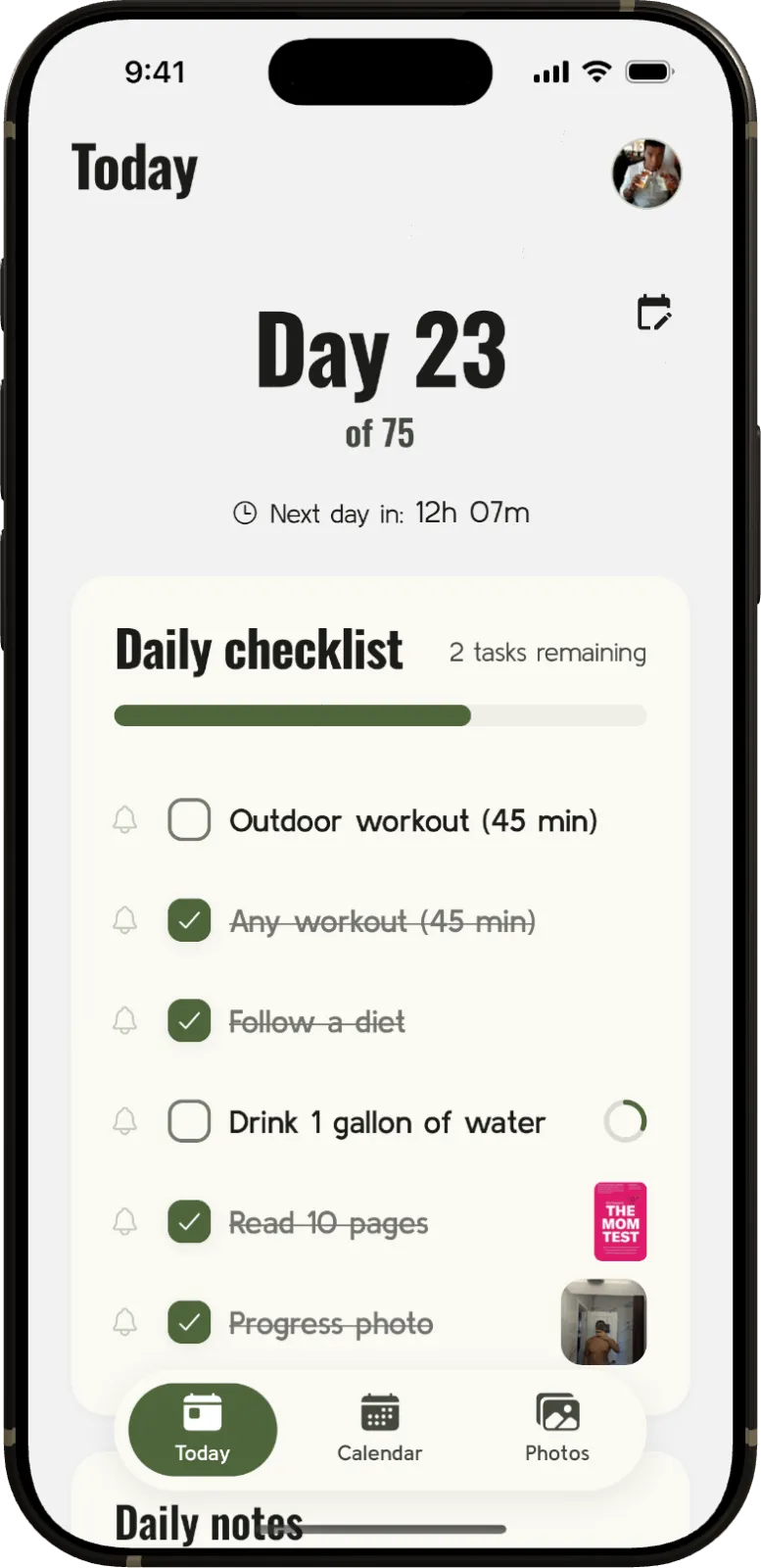
Earlier this year, my wife and I agreed to do 75 Hard together. If you haven’t come across it, it’s less of a fitness program and more of a mental toughness challenge: two 45-minute workouts a day (one of them outdoors), follow a diet of your choosing with no cheat meals and no alcohol, drink a gallon of water, read ten pages of a physical non-fiction book, and take a progress photo. Every day — for 75 days straight. If you miss a single task, you start over at day one.
It was, without exaggeration, one of the most life-changing things I’ve done recently. What better way to make it even more challenging, than to also build an app to track my progress while I was in the middle of it.
You ever heard of a spreadsheet?
Yeah, yeah, yeah. So this is where I started. After a week in, I wanted to know what apps were out there dedicated to tracking progress during this challenge. I was not impressed by the options, and if you know me, you know what that means… This challenge was practically begging for a good tracker. My competitive nature usually forces me to go Mia Hamm on products that I am forced to use, and so I made it a goal to build a tracker by the end of the challenge.
More than a checklist
75 Hard is only one flavor of this kind of challenge. There’s community variations like “75 Soft” and “75 Medium”. There’s Andy’s larger Live Hard program, and there are the house rules people invent for themselves. So instead of hardcoding one ruleset, I built in the 75 Medium and 75 Soft challenges, along with a challenge builder for you to create your own. You pick the duration, define your own tasks, choose when the day resets, and decide whether strict mode wipes your streak the moment you miss something.
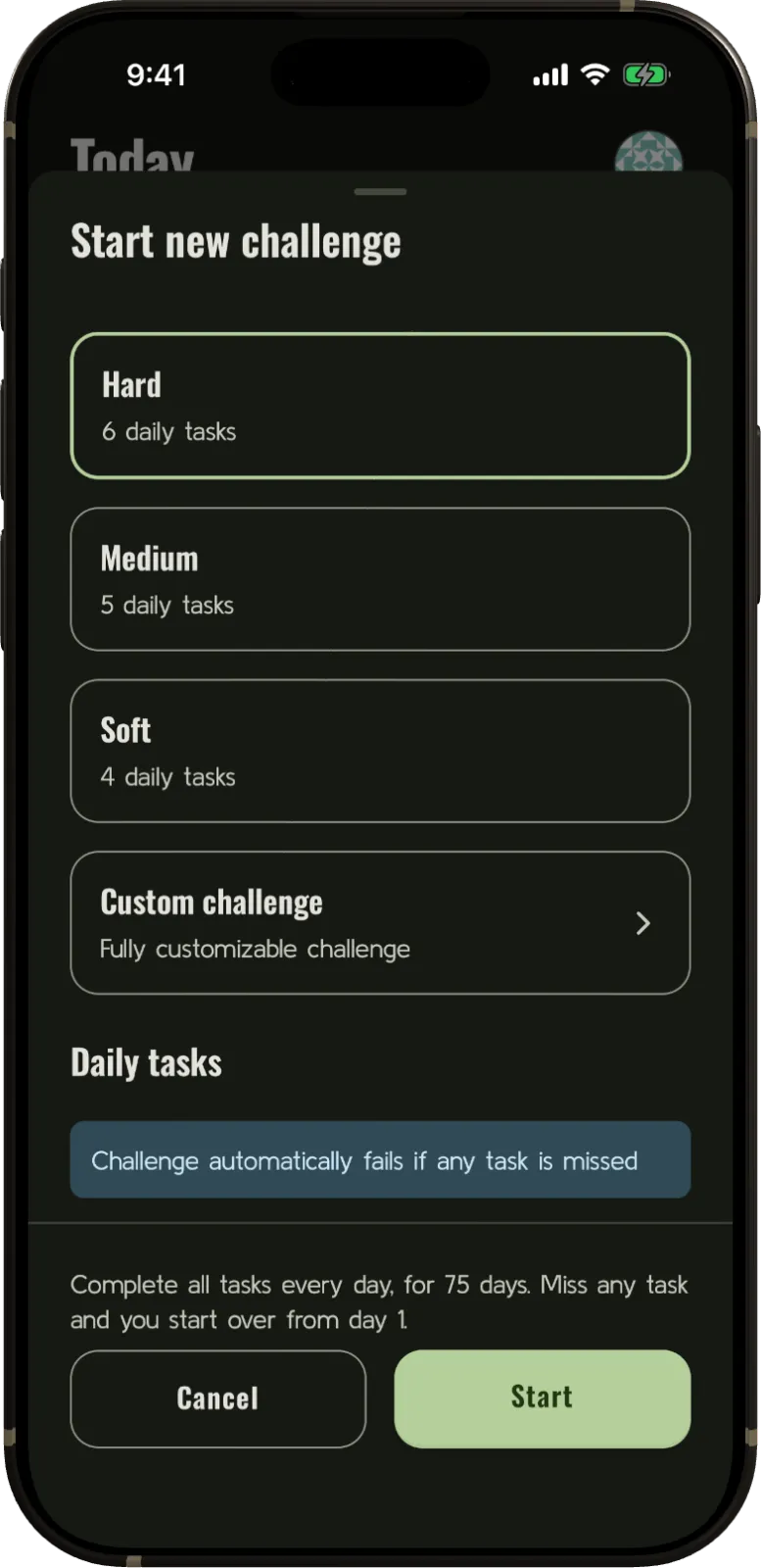
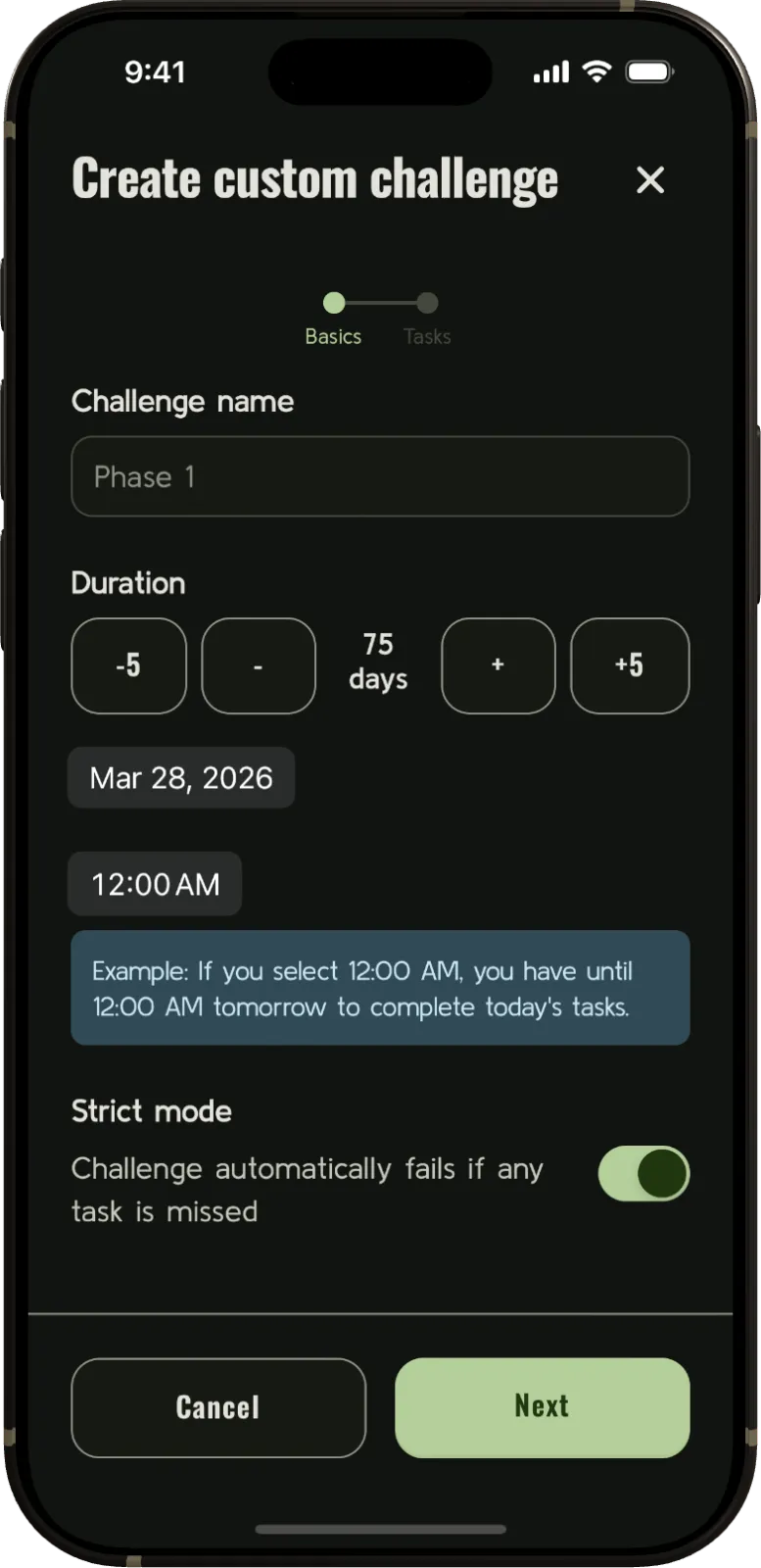
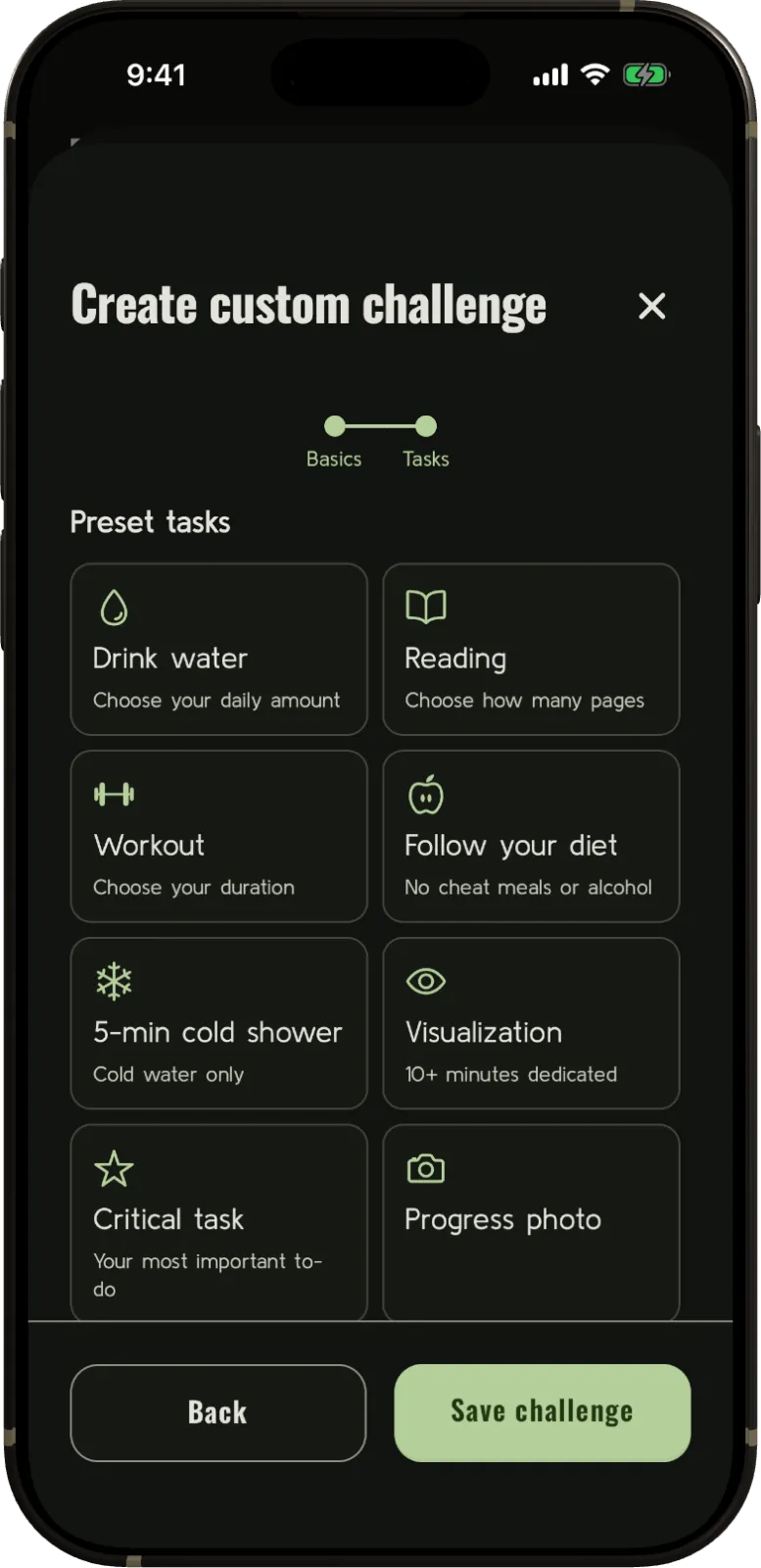
That one decision — “let me just make the rules configurable” — is where the scope quietly got away from me. More on that later.
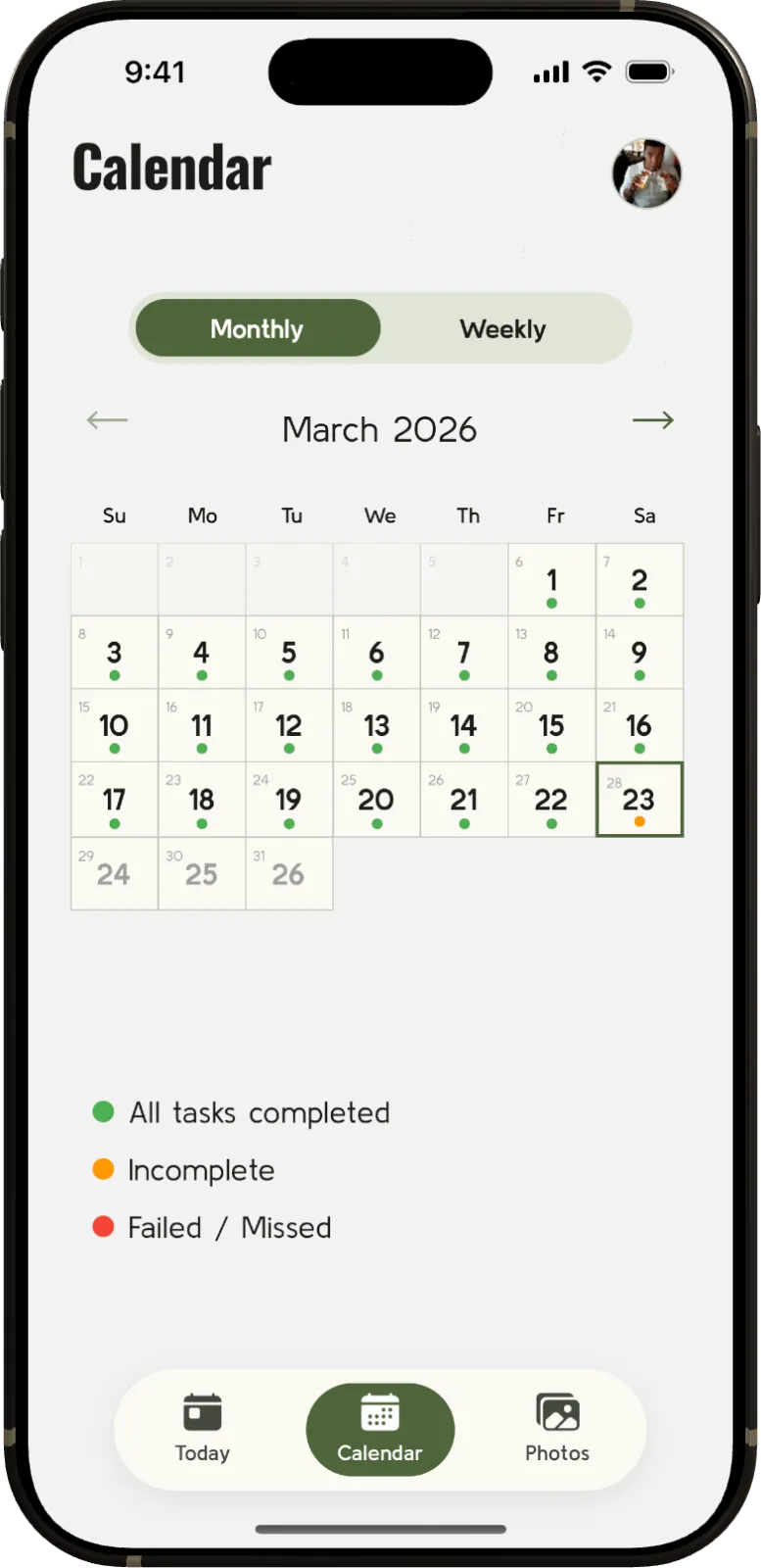
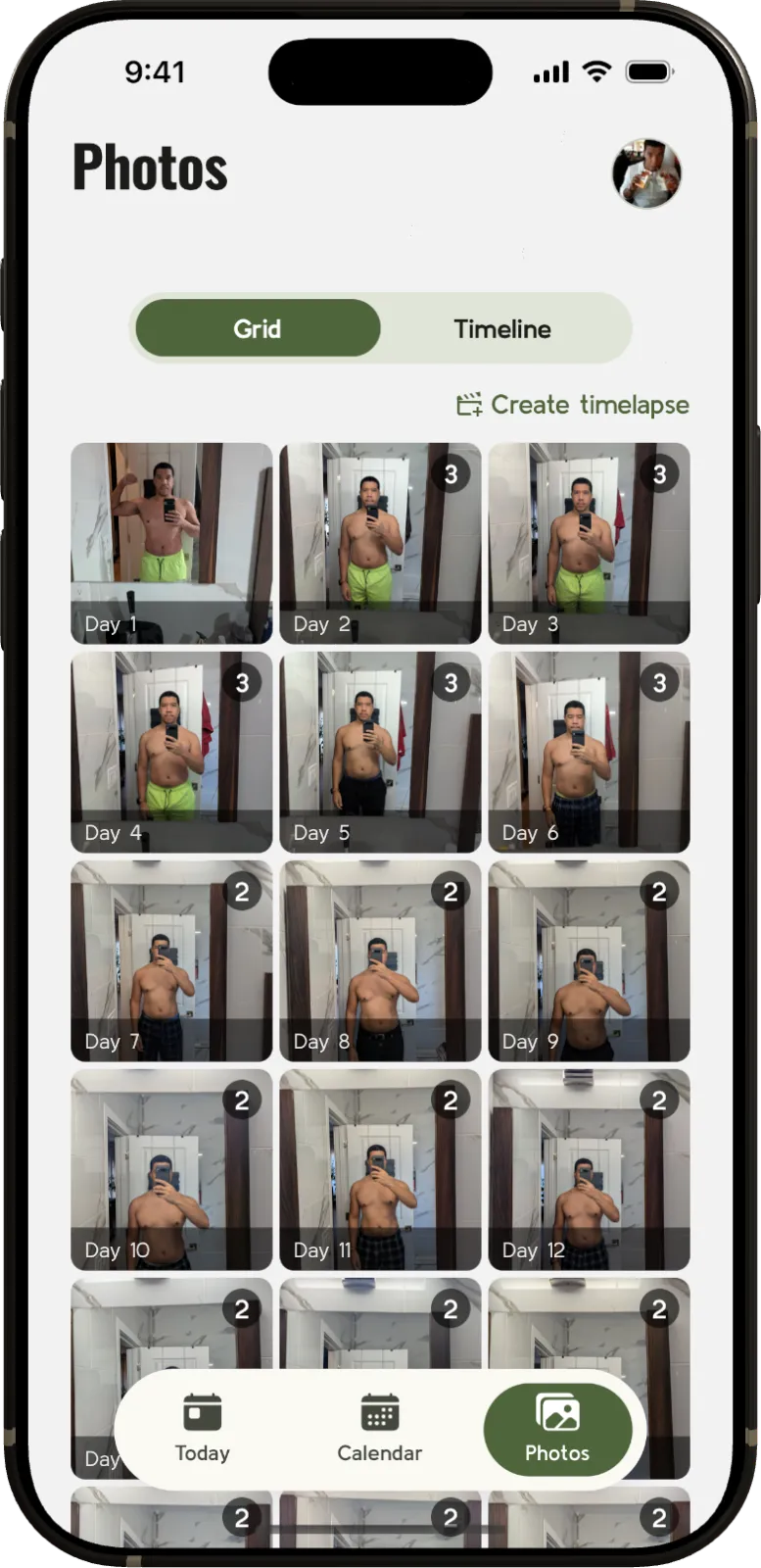
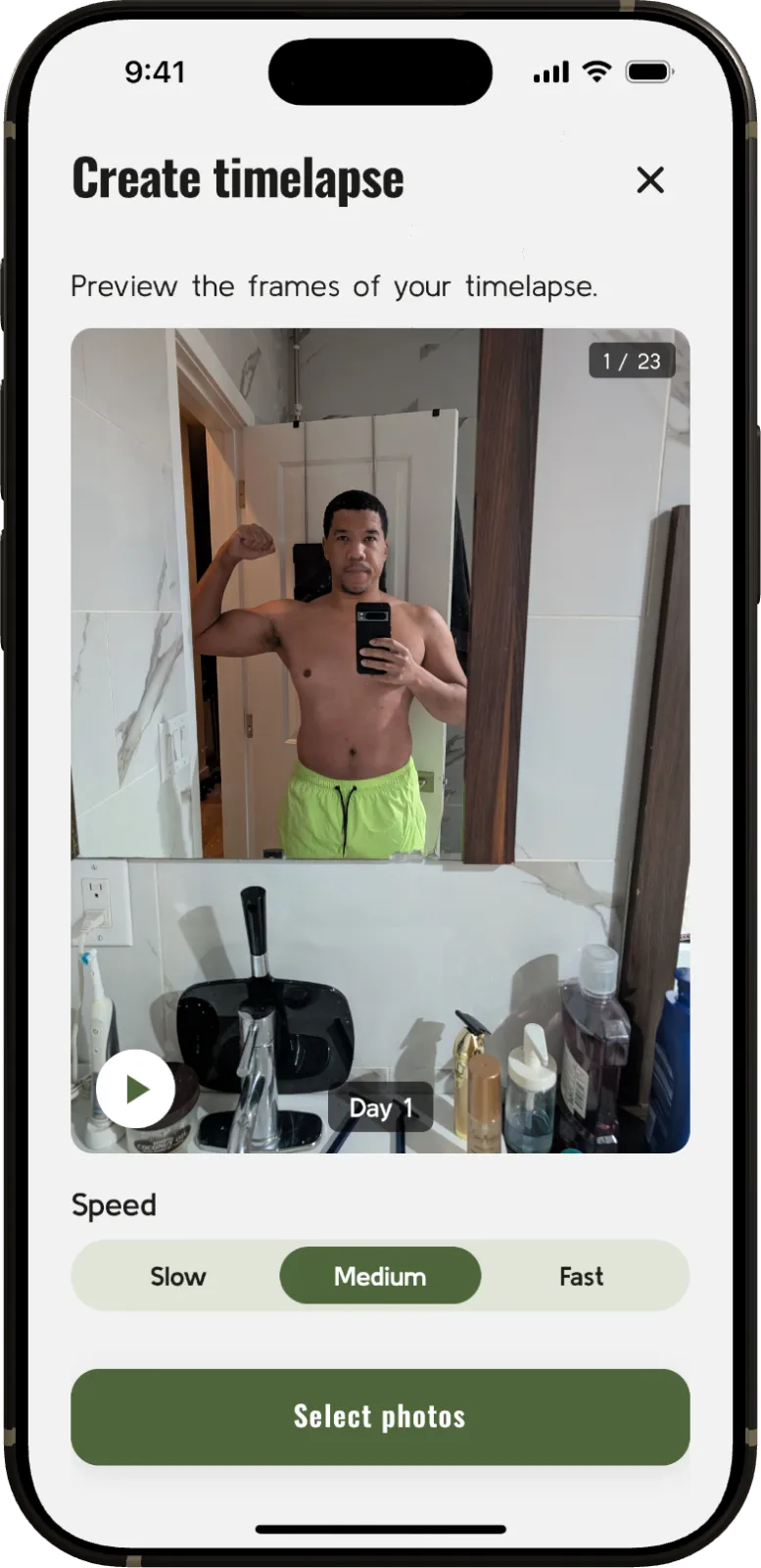
Once the tracking was flexible, I kept finding things worth capturing. The calendar view became a heat map of the whole run, with a dot on every day telling you at a glance whether you nailed it, came up short, or failed. The progress photo rule is the part of 75 Hard everyone secretly dreads and eventually loves, so I leaned into it. Photos live in their own gallery, organized by day. Because 75 days of daily photos is basically a stop-motion film of your own body, I added a timelapse generator that stitches them together into a video you can share when it’s all over.
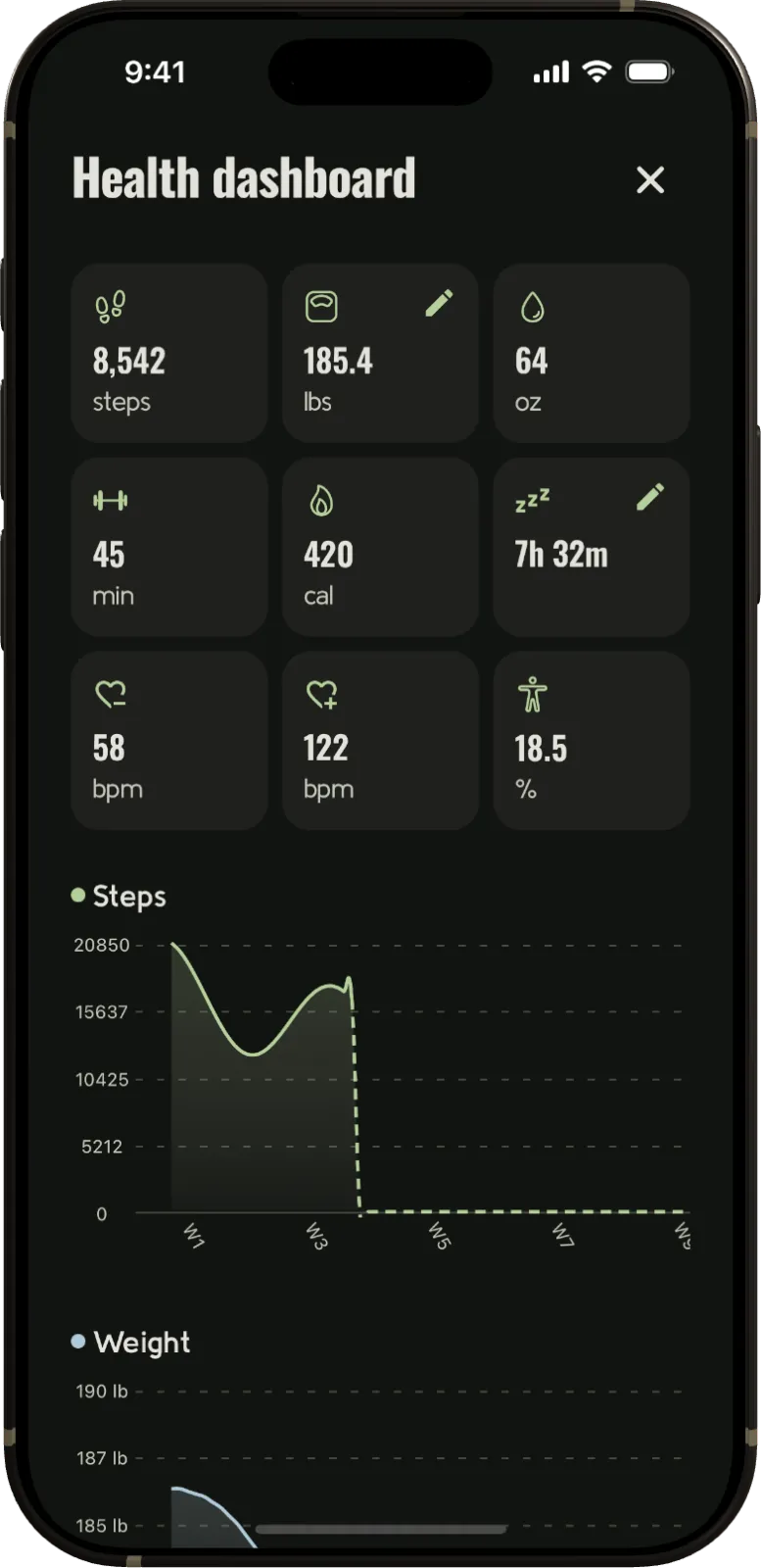
I also wanted the app to be more than a to-do list you check off. A big part of the challenge is what’s happening to your body and how you’re feeling day to day, so I built in daily logs where you can journal on how each day went, or even write notes per-task. The health dashboard pulls in metrics like steps, weight, water, workouts, sleep, and heart rate from Apple Health or Android HealthConnect. Seeing the whole picture trend over 75 days is a genuine motivator, and you know what they say… you can’t manage, what you don’t measure.
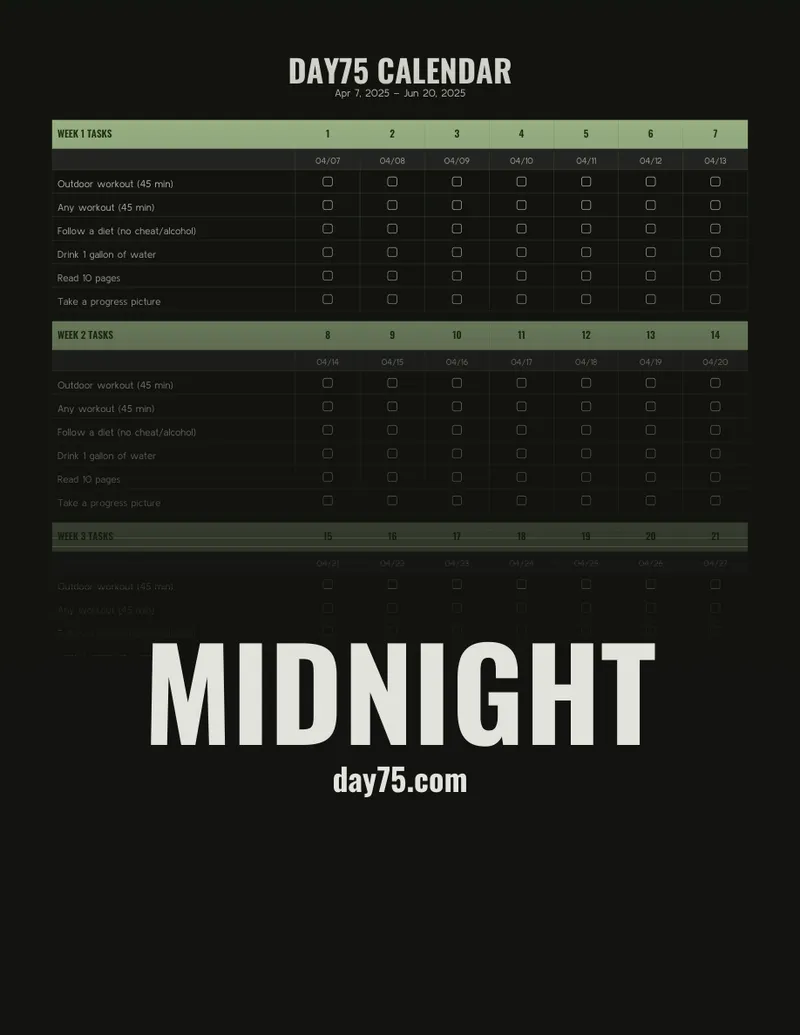
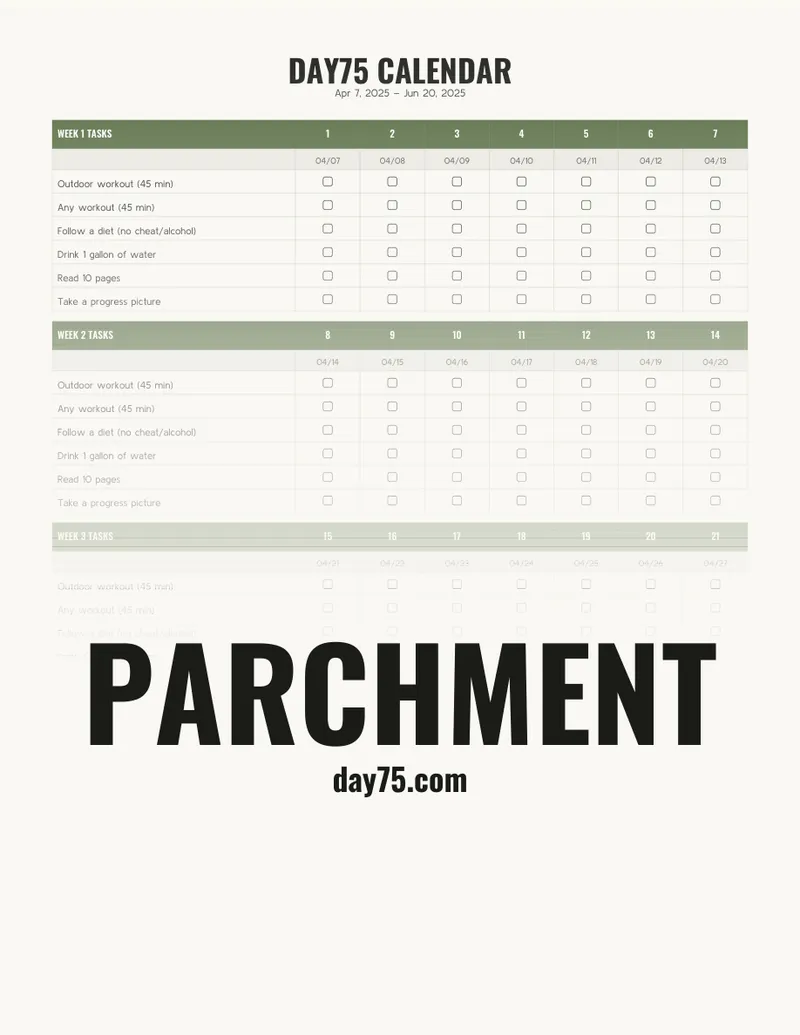
Finally, because not everyone lives inside their phone, you can export a printable wall calendar to pin up and check off by hand. It comes in a couple of themes, and can be purchased on day75.com.
The race I lost against myself
My original goal was admirable — finish the app before I finished the challenge. Ship it, use it myself for the back half of my own 75 days, and cross the finish line with both the challenge and the project done.
That is not what happened.
In this new world where you can build much more with AI, I fell into that trap… hard. Did I really need to have book cover thumbnails built into the app for your reading task? Did I really need to have a widget and watch app for the initial release? Probably not, but here we are learning the error of our ways.
OTA updates
The most interesting technical problem on this one was updates. Day75 is an Expo / React Native app running on iOS, Android, and — because I couldn’t help myself — an Apple Watch/Android Wear companion.
For over-the-air updates, the obvious path is Expo’s own service. I didn’t want that. I didn’t want to be locked into the Expo update pipeline or pay for a hosted service when I could use existing infrastructure to store and serve the updates. So I wired up hot-updater, a self-hostable OTA solution.
Shipping a JS fix to production in seconds instead of waiting on a review queue in either of the app stores feels like a cheat code. Having build my previous apps with all Native, I wanted to try a more “write-once” approach this time around.
One last rep
Day75 is live on both the App Store and Google Play, and you can read more at day75.com.