For as long as I’ve been putting websites online, there has always been one tool I always go to: realfavicongenerator.net. You drop in one image, and it hands back every favicon, touch icon, and manifest file you need, with the associated markup you can paste into your HTML or layout template file.
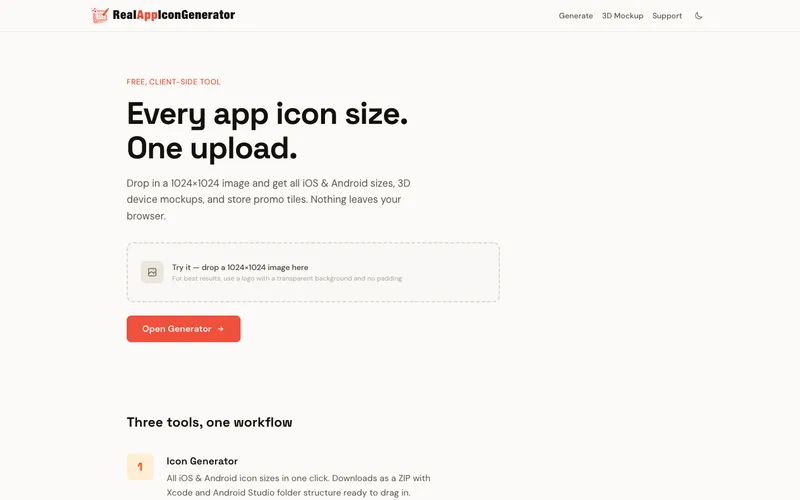
RealAppIconGenerator is my hat tip to that experience, but for shipping apps to the App Store and Google Play instead of favicons to a website.
My pet project’s pet project
As I was getting Day75 ready for the stores, I couldn’t find an easy and/or free way to generate the assets I needed for the app stores, as easily as I could with website assets generated by realfavicongenerator.net. I also wanted a way to generate a realistic 3D mockup of the app screenshots for the store listings, and for a new update to Bookbag’s site. Both of these use cases seemed like an easy project to vibe code, and completely remove the need to create store listing in Sketch or Figma.
One drop
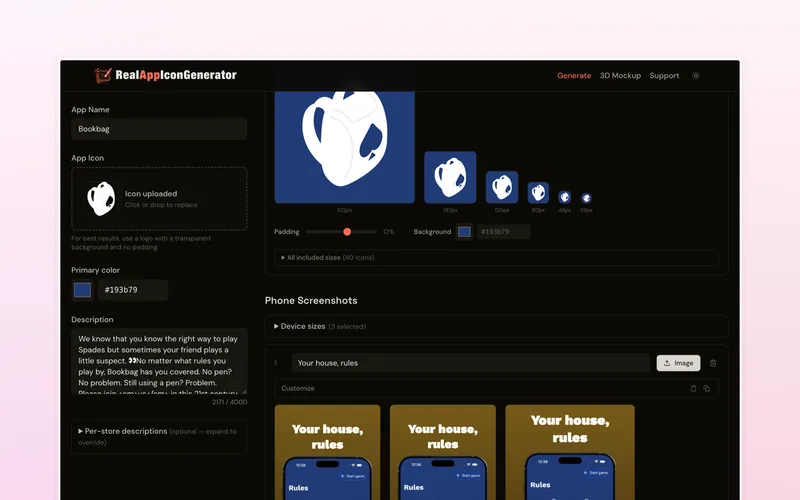
The core of it is the store listing generator. Drop in a 1024×1024 icon, pick a color, and it produces the full set of iOS and Android icon sizes, packaged as a ZIP with the Xcode and Android Studio folder structure already laid out so you can drag it straight into your project. From the same screen you can build framed phone screenshots for your listing and export Google Play featured graphics.
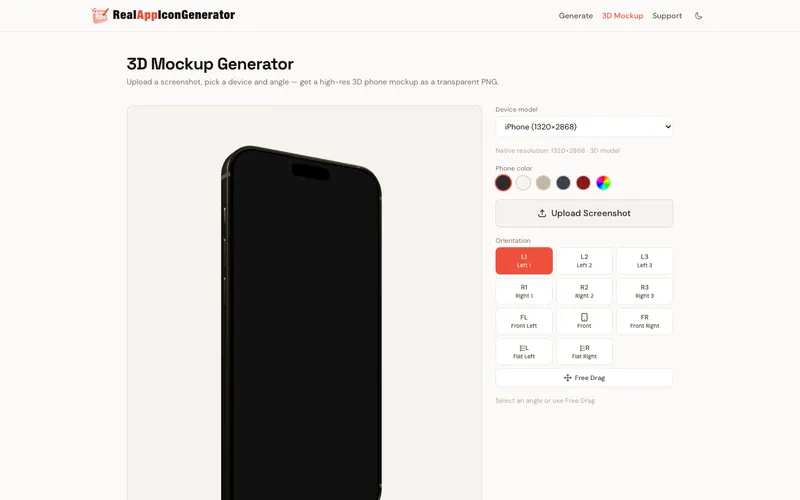
The part that proved to be the trickiest was the 3D mockup generator. Finding online 3D models of phones that can be used to render a screenshot on the face, but also be under the punch out camera, or dynamic island took a bit of tinkering. Also normalizing the orientations so that you can get consistent angles across the android and iOS devices which are natively oriented differently in 3d space was not a given. The result is that instead of pasting a screenshot onto a flat PNG of a phone, it renders your screenshot onto an actual 3D device model with Three.js that you can then rotate and position as you see fit. You can also change the device color before finally exporting as a high-resolution transparent PNG that can then be used for a store listing, or website graphic as you see on day75.com.
Unshockingly static
I’m a big fan of static sites, so naturally this project is no different. The whole thing is a static Astro site with all of the processing and packaging done on the client. When you download your generated assets, Save the ZIP file somewhere safe so that you can use it as a starting point in case you make edits later. The browser will also save your progress automatically so you don’t have to worry about losing any tweaks you make.
Try it out
RealAppIconGenerator is free and lives at realappicongenerator.net. If you’re shipping an app and dreading the asset-wrangling part, let me know if it saves you some time.